Answers
Getting started
How do I leave the hangar / start a run?
Open the Overworld map at the top of the screen and choose a breach.
You'll need
- In the hub, check your build rating (the fitting screen shows it as Ship Build Rating). It adds up the hull, fitted modules, affinity points spent and 25% of your cargo.
- Open the Overworld map at the top of the screen.
- Choose a breach whose build-rating range your ship falls inside. For a first run, pick one of your faction's lower-tier breaches, which the enemy faction cannot enter.
Tip
Deeper tiers open only after you have cleared the tier before, which you do by extracting from it.
How do I extract? It keeps sending me back in.
Use the extraction markers (green boxes) and trains. Leaving a breach is only possible by train.
- Find an extraction marker: a green box.
- Check where its train goes before boarding: destinations differ, and some lead into other breach regions.
- To get home, take the marker for your hub, for example ZHAT for Zhat Kali.
- Check your build rating: a train into a breach region refuses ships above that tier's maximum, with cargo counting at 25%. Over? Take a different train.
- Fly to the marker and harpoon onto the train.
Warning
If your harpoon disconnects in the tunnel, you're left behind and must fly back to reconnect. If the next train arrives while you're still in there, it runs you over.
Tip
Nothing you carry counts until you have extracted. Extracting from a tier is also what clears it and opens the next one.
Any advice for a first few runs?
Build up your fit, don't pull too many NPCs at once, and don't stay long.
- Start in your faction's lower-tier breaches, which the enemy faction cannot enter.
- Before undocking, put your most valuable cargo fully on the safety hold: the 2×2 square of four cells at the top left of every ship's cargo grid. Items there are kept if you die.
- Scout around before attacking anything.
- Kill a few NPCs, loot, extract, refit, repeat.
- Back in the hub, recycle common drops for ORE: it repairs your ship and identifies modules.
Tip
Build a few spare ships before taking big risks.
Where is the better loot?
In the higher-tier breaches you unlock from Greylock (the central hub).
- The deeper the tier, the better the loot: modules roll more ports and higher modifier tiers, and rarer rarities turn up more often. Stratum 0, the tutorial tier, cannot drop Regalia.
- Beta Patch 1 improved Prototype odds in tiers 3 to 7.
- Dark Triton, a rare recipe mineral, is found in the breaches off Greylock.
- To open a deeper tier, extract from the one before it.
- From Stratum 3 up, tiers also have a minimum build rating: 6,000 for Stratum 3, 8,000 for Stratum 4, up to 16,000 for Deep Strata. A bare Standard Seraph rates 2,200, so plan a bigger build.
Tip
Look for breaches with the extra-blueprint modifier.
What does Relocate do?
It moves you, not your ship, to another hub where you already have a ship docked.
Your materials stay behind. Moving them between hubs is manual: haul them, ideally with a hauler.
- Every hull starts with 24 cargo cells. Haulers have 24 to 27 core slots (the Seraph has 17), and each Cargo Bay, a core module, adds 16 cells.
- Cargo counts toward build rating at 25%, and a train into a breach region won't take a ship above that tier's maximum.
- Anything outside the safety hold is lost if the hauler dies.
- A faction hub admits only its own faction; Greylock is open to both.
Is it safe to close the browser in the hub?
Yes, progress is saved in the hub.
- Hubs are safe: no fighting there unless both pilots accept a duel.
- The Forge keeps working while you are offline.
- Close it in a hub, not mid-run. The only way out of a breach is a train, and ships have been lost to crashes and disconnects; during beta the devs restore genuine reconnect losses.
Warning
Switching tabs mid-breach is risky too. Since Beta Patch 2, a game tab left in the background for more than a minute disconnects.
Can I restart from scratch or redo the tutorial?
Yes: clear your browser's cache and site data, then reload.
- Trade anything valuable to a friend first. Everything on your old account is lost.
- Clear your browser's cache and site data.
- Reload the game. You start completely fresh, combat tutorial included.
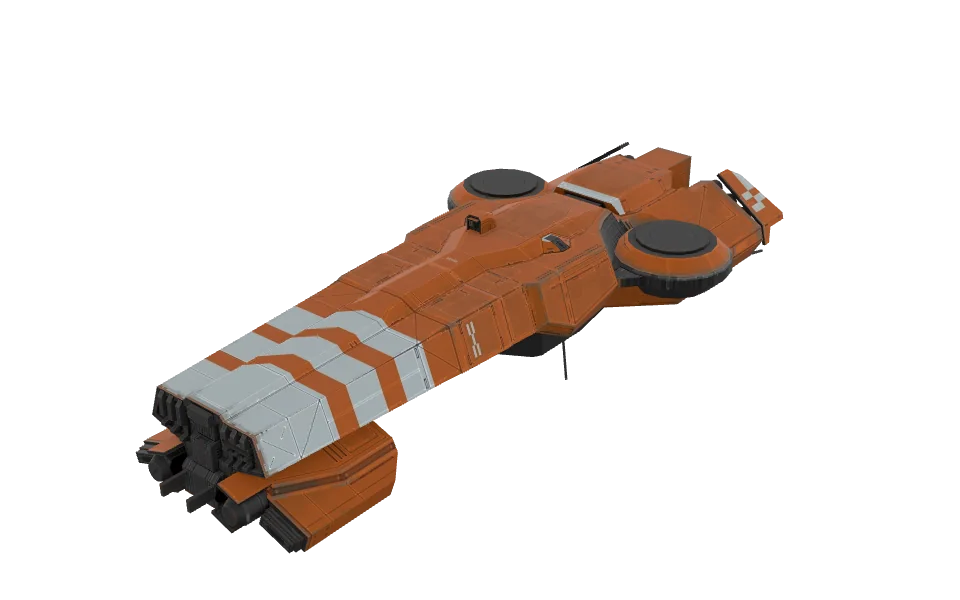 Seraph
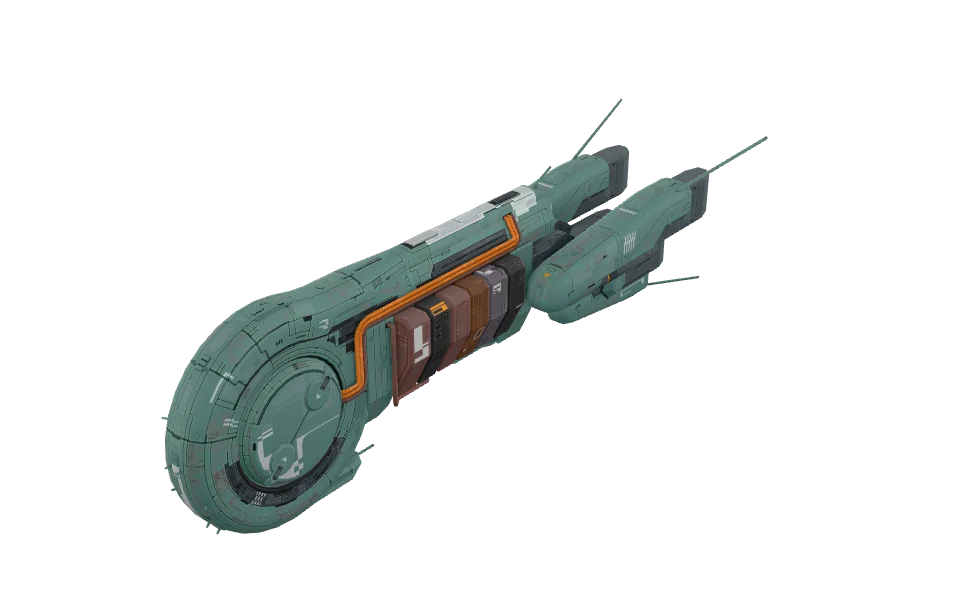 Achamoth
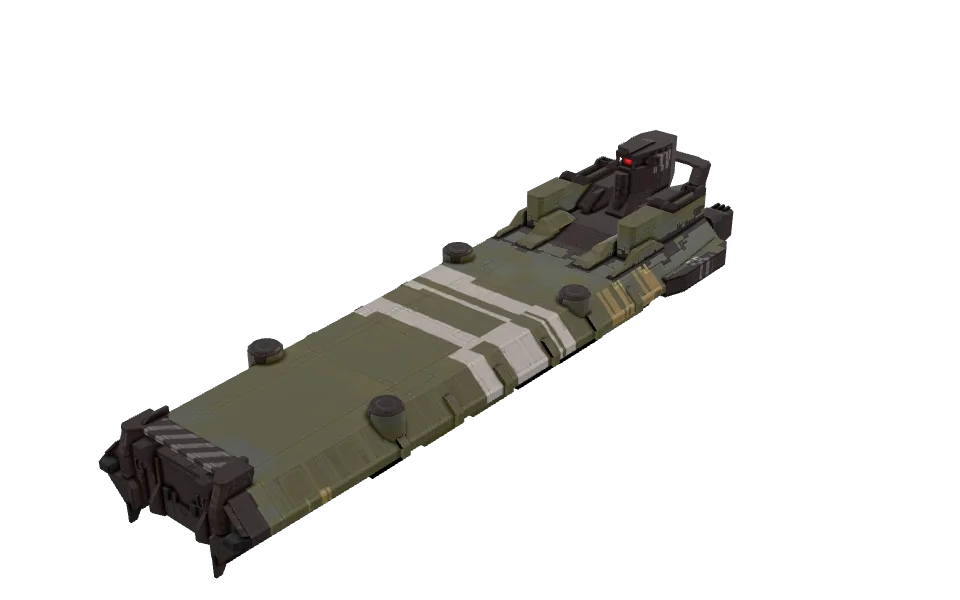 Mammon
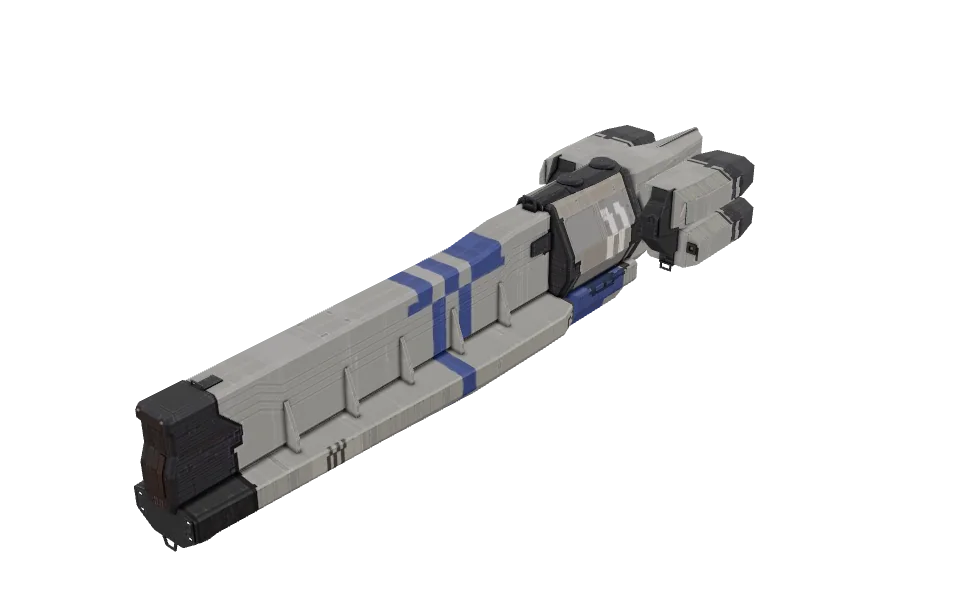 Augr
Augr Cargo Bay