Chapter 3 of 11 · Verified for Beta Patch 2
Your hangar
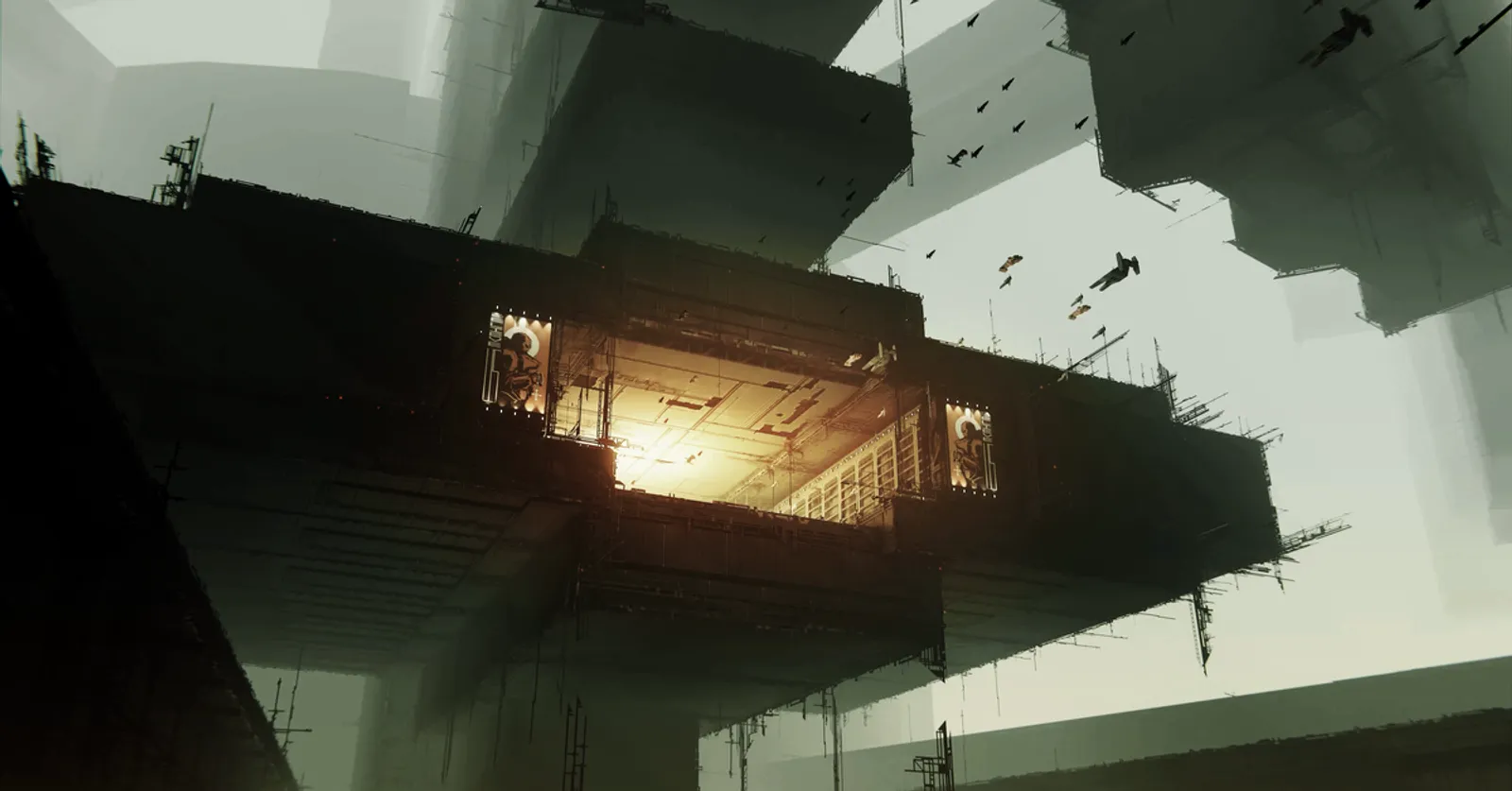
The hub is your home base: your stash, your workshop and the place every run starts and ends.
The hub is where you spend the time between runs. Learn its few stations and you are ready to fit your first ship.
Stash and cargo
The stash is your storage in the hub. Nothing in it can be lost on a run. Moving materials from one hub to another is manual: you haul them yourself.
Cargo is different. It travels with the ship and dies with the ship, apart from what sits in the safety hold: four cells in a fixed 2×2 square at the top left of every ship's cargo grid. Cargo also does real work: drones and repair charges are carried there, and a quarter of what you carry counts toward your build rating.
For more room, fit a  Cargo Bay (+16 cargo) or a
  Structural Cargohold (+12).
To keep things tidy:
- Set auto-deposit rules for each cargo bay.
- Use Deposit from cargo to sort everything into the stash in one go.
The arrows next to the X expand the bays, and the stash also sorts by TYPE.
If you ever remove cargo space while the hold is full, Recovery Overflow catches whatever no longer fits.
Warning
The overflow only reaches your stash when you are in a hub. Shrink the hold anywhere else and the overflow is thrown out as loot.
The Recycler
The Recycler is a tab in your stash, available at any hub.
- Feed it modules and minerals and it returns ORE, which pays for identifying modules, repairs and blueprint research. The return is 25% of the item's build rating.
- It is also your faction's depot, so recycling minerals and looted gear earns Merits.
- Faction-issued gear is worth nothing here, in ORE or in Merits.
Refit terminal and harpoon
The harpoon is your main tool for touching the world: looting, towing, tethering to terminals and extracting. It is built into every hull, so you never fit it. Right-click once to connect it, and again to let go or switch to another target.
To change hulls, for example after you collect a new one from the Forge:
- In the hub, use the harpoon to tether to the refit terminal. A ship arriving in a hub is tethered to the pad's terminal automatically.
- While tethered, use SWITCH SHIP in your stash.
Refit terminals also exist inside breaches, so you can swap weapons mid-run. You can be attacked while you are tethered to one. The first tether to one needs an 8-second hack, and attacking a player locks you out of terminals for 30 seconds.
Trading
- Hold left click on another player's ship.
- Choose Request Trade and release.
Since Beta Patch 1 you can trade without being tethered, as long as you are both in the same hub. Faction-quality gear, such as your starter and anything the Quartermaster sells, cannot be traded. Home for a new pilot is Zhat Kali for Tzhal or Ganden for Ganden.
Tip
Closing the browser while docked is safe. Players report that progress is saved in the hub. Mid-run, don't even leave the tab in the background: since Beta Patch 2 that disconnects you after a minute.